To access the SmartStart databank online:

Pour la version française:

1. Using your internet browser, go to https://earlyeducation.xperiad.com/RDWeb/Pages/en-US/default.aspx and login using the User ID and Password provided to you. Please make sure you preface your username with cloud\, i.e cloud\myusername.

Login Screen

2. Once logged in you will see the following;

 SmartStart icon

Click on the SmartStart icon.

When/if you are presented with a screen like the following, press "More choices" and "Use a different account", upon which you must put your username in the format cloud\my_username, then your password, then press OK. This is because Windows remembers your previous logins, with the old username, which must now be changed.

SmartStart Login Screen

3. You will see an information screen like the following, simply press the Connect button;

Information
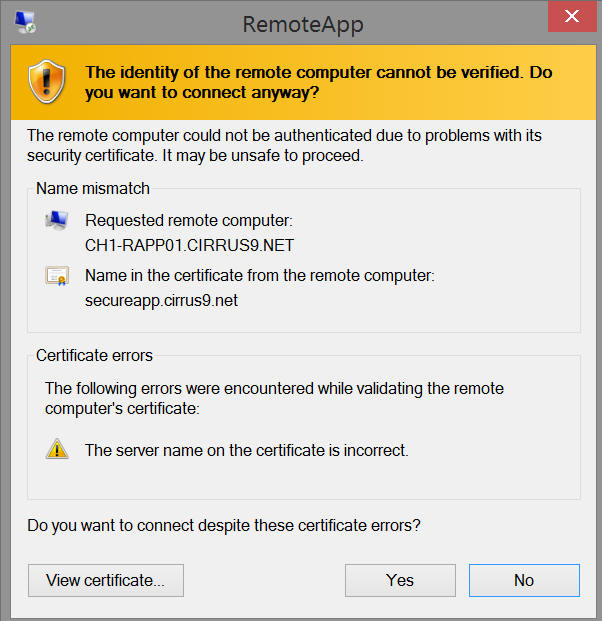
4. You will now see a certificate naming error, it is safe to continue - please click Yes;

Cerificate Error
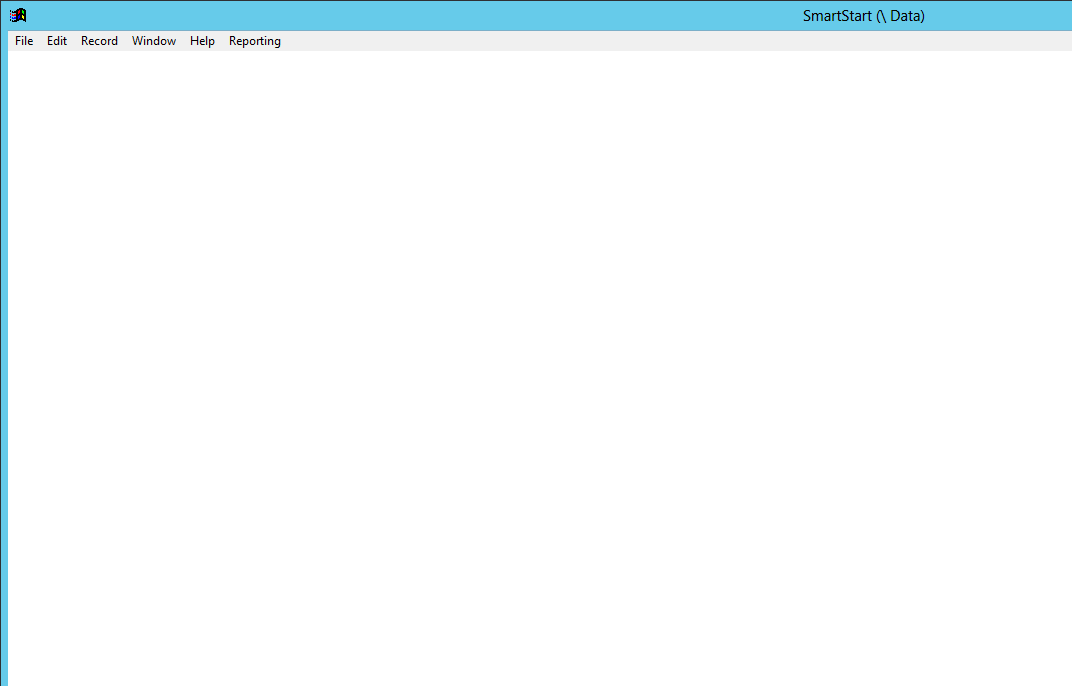
5. After a brief pause you should see the opening screen of the SmartStart program;

SmartStart

Simply start using the program by using the File/Open menu etc.
6. When finished, please use the File/Exit menu option.